IDEA SET
Open Educational ResourceIDEA SET
Explore Your World with OctoStudio
Explore Your World with OctoStudio
This activity is designed to guide educators to encourage learners to make observations about animals and create animated projects to share their discoveries. The activity invites learners to create with OctoStudio, a free creative coding app. This learning resource is co-developed between National Geographic Society and the Lifelong Kindergarten group at the MIT Media Lab.
Grades
2 - 6
Subjects
Earth Science, Biology, Ecology, Geography, Human Geography, Arts and Music

Loading ...

Themes: Observation, Reflection, Environmental Awareness, Computational Thinking
Explorer Mindset Attitudes and Skills: Curious; Communicate
This activity invites learners to observe the world around them and then document and share what they notice by creating interactive projects using OctoStudio, a free creative coding app from the Lifelong Kindergarten group at the MIT Media Lab. By creating their own projects, students engage in making observations and developing their ability to communicate their ideas with others. Through this suite of resources, learners will have the opportunity to notice, ask questions and share their stories like an Explorer, all while building valuable coding and digital literacy skills.
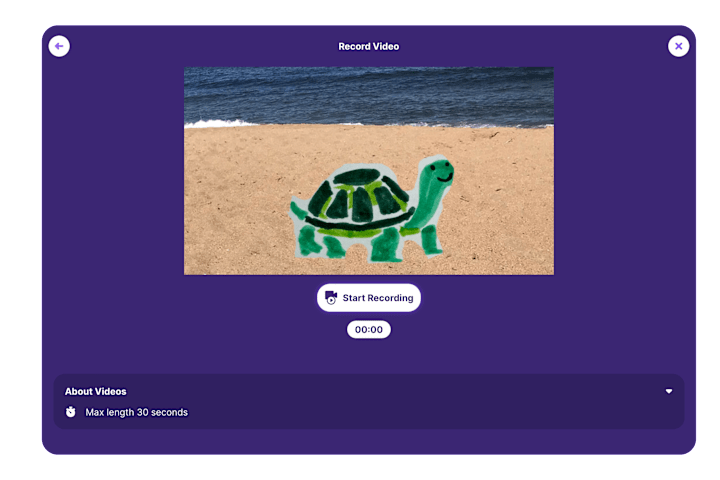
By fostering a supportive environment for young learners to be curious about the natural world around them, they begin to ask questions, observe and make connections to their own experiences. Learners can create projects by animating photos or drawings of animals that interest them. They can use the recording or text features in OctoStudio to add their observations, questions and ideas.
This activity was inspired by National Geographic Explorer Niharika Rajput, a wildlife artist, creative conservationist and visual science communicator who uses the power of observation to spark curiosity in her work. Like Niharika, learners can build attributes of their Explorer Mindset, such as curiosity and communication, by observing and making things based on what they notice in their environment. By taking time to look closely at the world around them and then creating interactive projects based on their observations, learners can develop new ways to communicate their ideas with others.
Guiding Questions:
- What is an animal that interests me?
- What do I notice or wonder about this animal?
- How can I communicate and share my observations with others?
When to Use the Activity:
This activity invites young people to document and reflect on the world around them. The activity works well across many subjects, including science, language arts, writing and computing.
Time: The activity can be completed in 50 minutes or can be extended to enable more in-depth exploration and learning.
Learning Objectives:
Learners will:
- Use their curiosity and questioning skills to observe and notice the animals found in their environment
- Create a project using OctoStudio to share their observations
- View the natural world as a home to diverse organisms
This learning resource is a part of a larger suite of tools focused on creative coding, including the Make a Mini Game with OctoStudio resource featuring National Geographic Explorer Gibbs Kuguru.
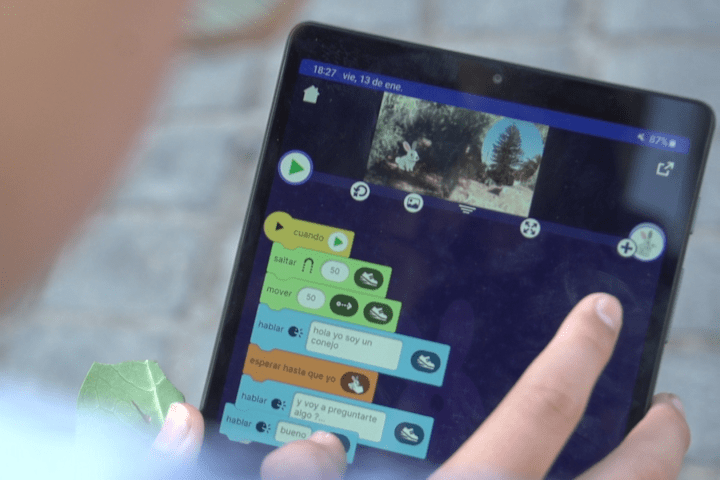
Educator Guide and Slides
The educator guide suggests how you can facilitate the Explore Your World with Octostudio activity. The guide includes an overview of the activity and other helpful materials for facilitating this activity. You can use the workshop slides to help guide and prompt students through the activity. Both the guide and slides can be customized for your learners and local context.
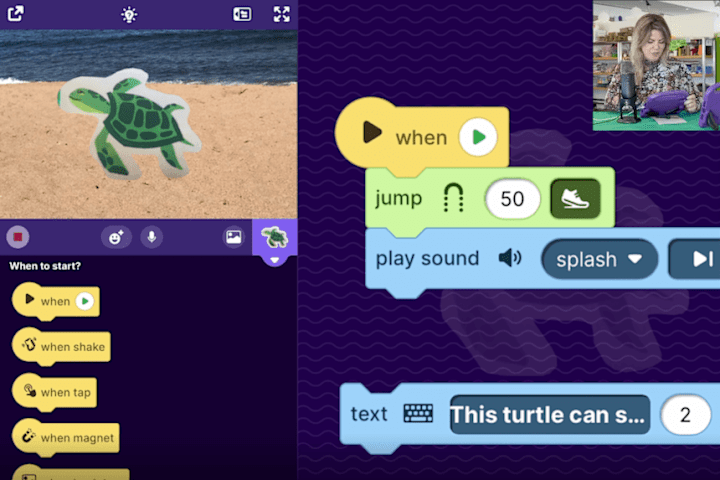
Explore Your World With OctoStudio Video
This short video provides an inviting introduction to the Explore Your World activity. It shows learners how they can get started creating projects about animals using the OctoStudio app.
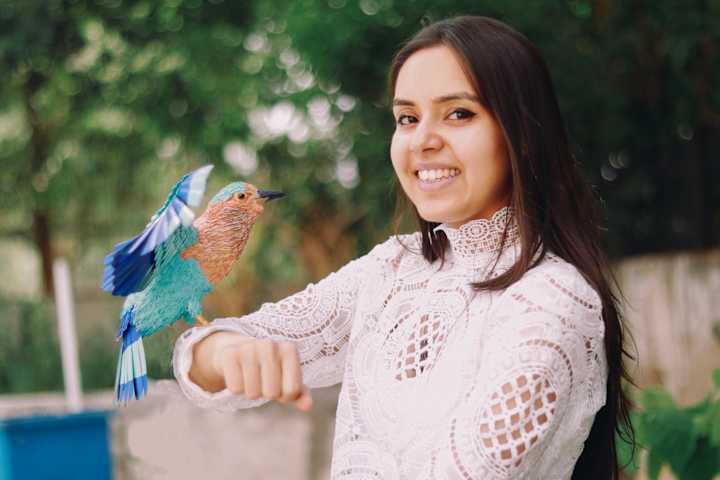
National Geographic Explorer Profile
National Geographic Explorer Niharika Rajput teaches learners how to explore their world through her unique approach to observation and storytelling. As learners engage with this activity, it’s encouraged to share Niharika’s story so they can learn more about her projects and see examples of how she’s exploring her world. Learners can also be inspired by how she is using OctoStudio to share her work.
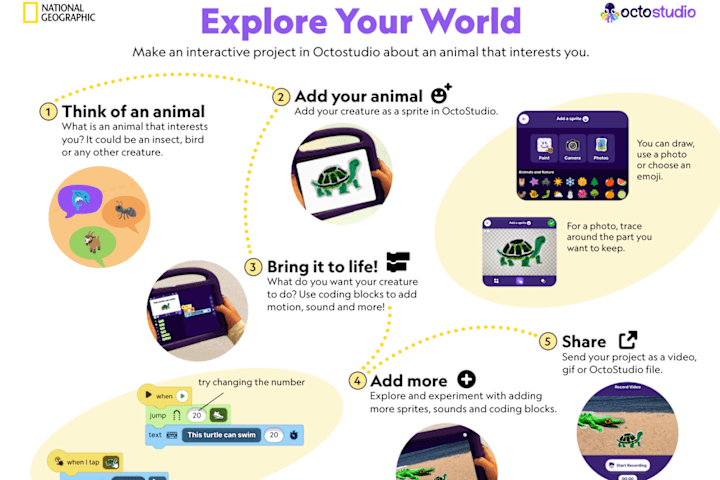
Student Activity Guide
The student activity guide is designed to help support learners to engage in the activity and create projects with OctoStudio while working at their own pace and within their specific environments. To spark inspiration, share the coding cards with learners to ignite their creative problem-solving in OctoStudio.
Sharing Your Projects
You can use a sharing platform as a way for learners to share their projects with family and friends. The Lifelong Kindergarten group has created a Padlet as an example, which features sample projects. If you decide to share a project online, you can use the hashtag #ExploreYourWorld.
Credits
Media Credits
The audio, illustrations, photos, and videos are credited beneath the media asset, except for promotional images, which generally link to another page that contains the media credit. The Rights Holder for media is the person or group credited.
Writers
Editors
Producer
Content Design
Photo Researcher
Reviewer
Last Updated
January 16, 2026
User Permissions
For information on user permissions, please read our Terms of Service. If you have questions about how to cite anything on our website in your project or classroom presentation, please contact your teacher. They will best know the preferred format. When you reach out to them, you will need the page title, URL, and the date you accessed the resource.
Media
If a media asset is downloadable, a download button appears in the corner of the media viewer. If no button appears, you cannot download or save the media.
Text
Text on this page is printable and can be used according to our Terms of Service.
Interactives
Any interactives on this page can only be played while you are visiting our website. You cannot download interactives.