IDEA SET
IDEA SET
WonderLab Learning Resources
WonderLab Learning Resources
WonderLab Learning Resources is a collection of online activities, learning tools, professional learning resources and videos for educators inspired by renowned National Geographic Explorer and photographer Anand Varma's work.
Grades
4 - 12+
Subjects
Biology, Storytelling, Experiential Learning, Photography
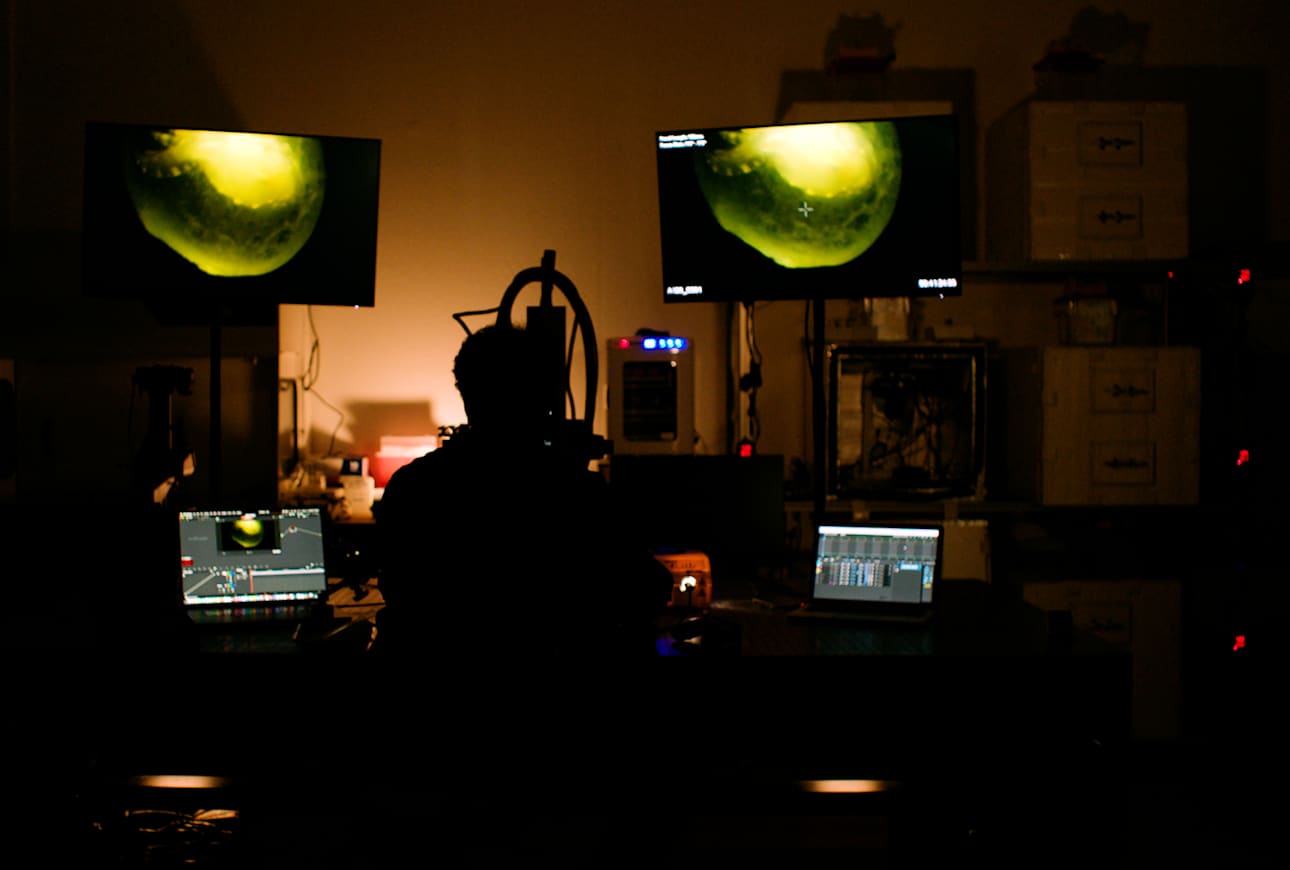
National Geographic Society

Anand Varma is a National Geographic Explorer, photographer, and founder of WonderLab, an incubator for ideas and talent that offers mentorship and education opportunities for aspiring scientists and storytellers to cultivate their skills in scientific experimentation and expert storytelling. The resources in this collection allow educators to guide youth “to slow down, observe, find the mystery of things that hide in plain sight and take the time to explore the wonder of our world” as they develop skills and attitudes of an Explorer, such as curiosity, empathy, empowerment, problem-solving and storytelling.
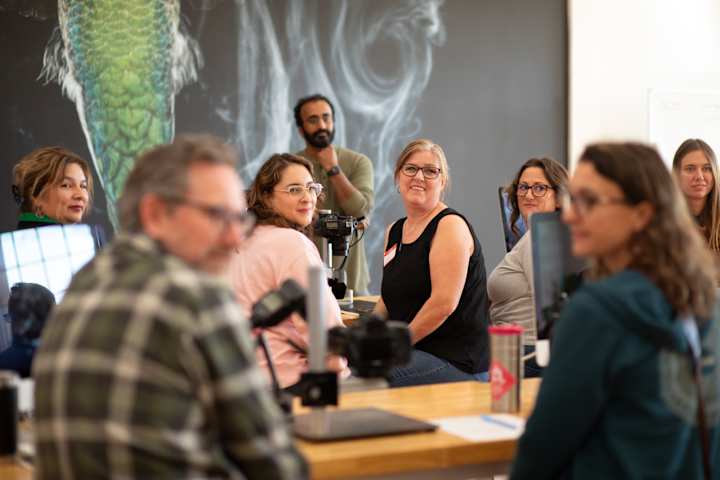
A Guide for Educators
Begin by exploring this Guide for Educators. It supports educators to effectively use the WonderLab Learning Resources and guide learners “to slow down, observe, find the mystery of things that hide in plain sight and take the time to explore the wonder of our world” as they develop skills and attitudes of an Explorer. The resources are inspired by the work of renowned National Geographic Explorer and photographer Anand Varma.
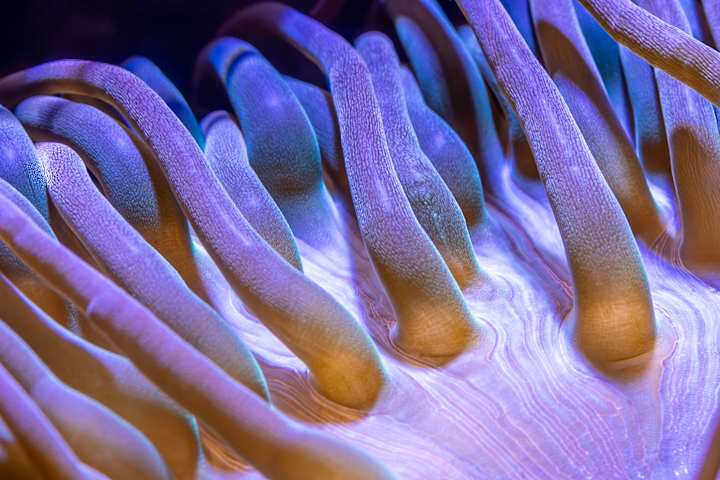
How to Set Up a "WonderLab"
This professional learning resource introduces considerations for designing a WonderLab to inspire a sense of wonder and awe in science. It encourages deeper focus on slow observation to develop the attitudes, skills and knowledge that make up the Explorer Mindset using the Wonder Learning Strategies.
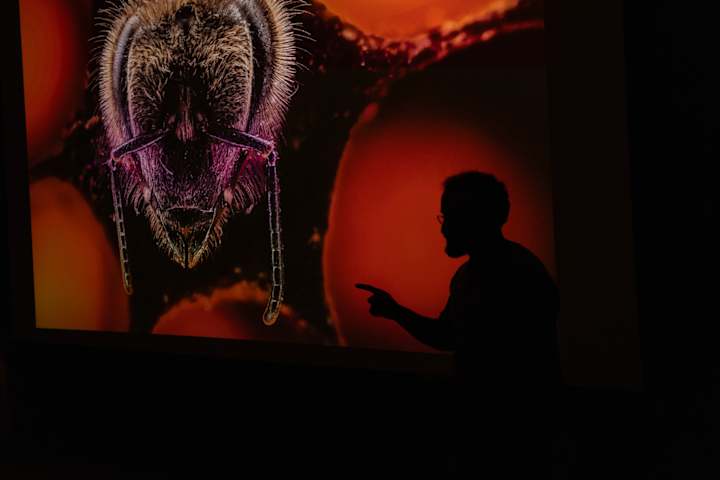
Stimulate the Imagination
This professional learning resource provides educators with tips and ideas on how to incorporate the Wonder Learning Strategy: "Stimulate the Imagination" into their practice.

Explore and Experiment
Use this professional learning resource to embrace the power of exploring and experimenting within learning spaces to cultivate wonder and develop the attitudes, skills and knowledge that make up the Explorer Mindset.
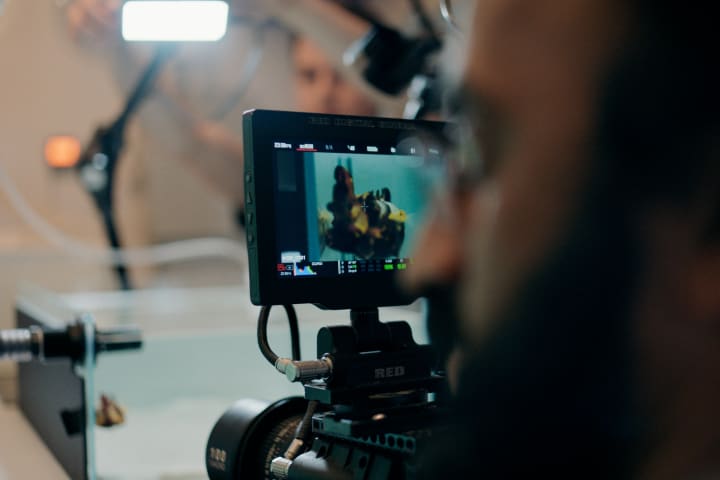
Defamiliarize the Familiar
This professional learning resource introduces the wonder learning strategy of Defamiliarizing the Familiar to inspire wonder around familiar things. Learn how to observe familiar things in new ways by using tools to notice differently, making space to observe, and allowing surprise to inspire questions.
Videos: "I Wonder" Educational Video Series
“I Wonder” is an educational video series that follows Anand Varma on his journey “to slow down, observe, find the mystery of things that hide in plain sight and take the time to explore the wonder of our world”.
Credits
Media Credits
The audio, illustrations, photos, and videos are credited beneath the media asset, except for promotional images, which generally link to another page that contains the media credit. The Rights Holder for media is the person or group credited.
Editor
Writer
Reviewer
Producer
Rights Clearance
Last Updated
July 14, 2025
User Permissions
For information on user permissions, please read our Terms of Service. If you have questions about how to cite anything on our website in your project or classroom presentation, please contact your teacher. They will best know the preferred format. When you reach out to them, you will need the page title, URL, and the date you accessed the resource.
Media
If a media asset is downloadable, a download button appears in the corner of the media viewer. If no button appears, you cannot download or save the media.
Text
Text on this page is printable and can be used according to our Terms of Service.
Interactives
Any interactives on this page can only be played while you are visiting our website. You cannot download interactives.